
Beta Tester Guide
Welcome to Ranka, Beta testing people! Testers? Betas? Testees? Either way, thanks for helping test Ranka before launch. Here’s everything you need to know to get started: installing the beta build, setting up your account and players, playing games, and sending feedback.
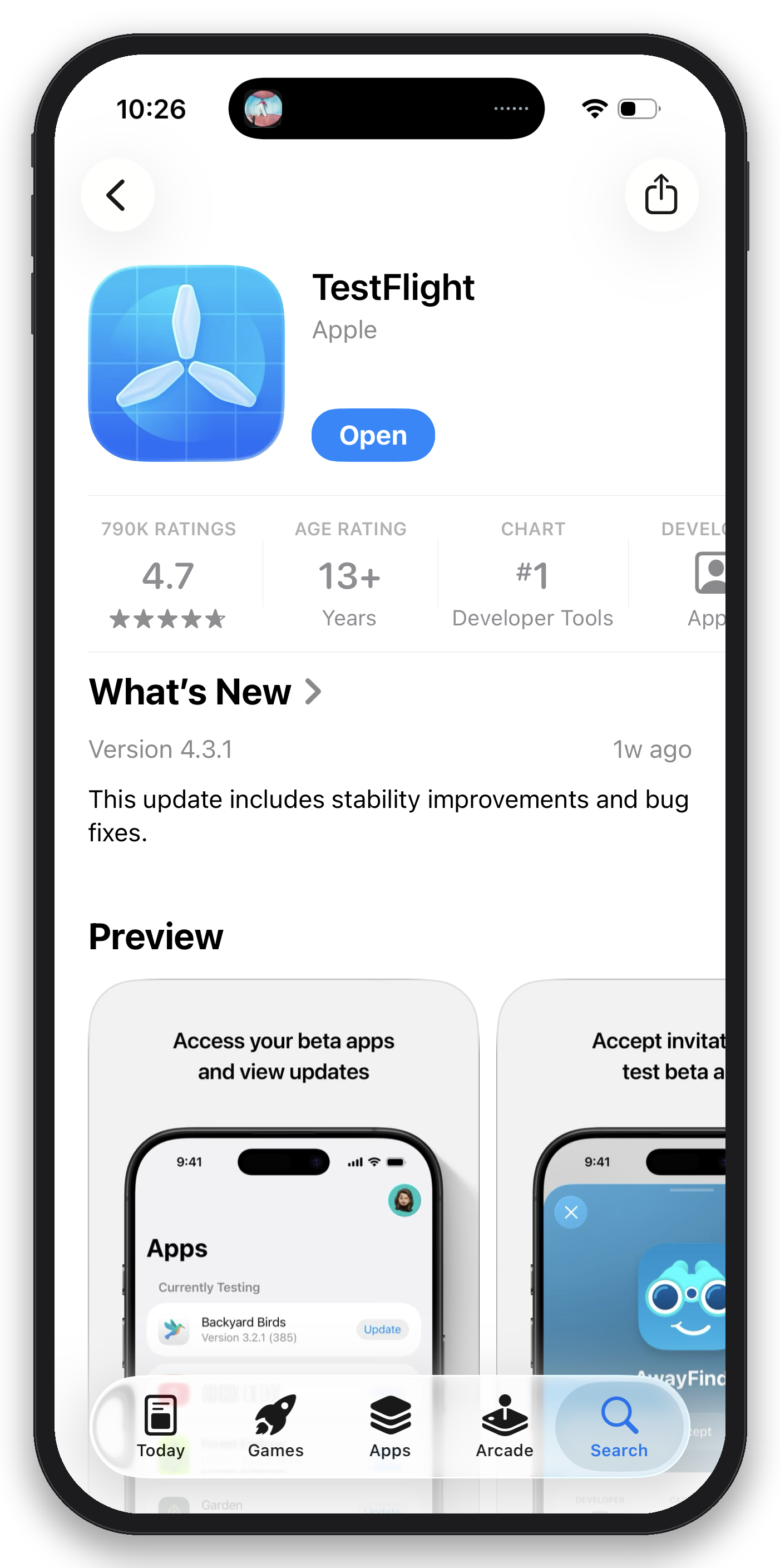
Install TestFlight
Ranka beta builds are distributed through Apple’s TestFlight app, not the App Store.
- On your iPhone or iPad, open the App Store and search for TestFlight, or get it directly here.
- Install it — it’s free and made by Apple.
- Open TestFlight once so it’s ready to accept your invite.
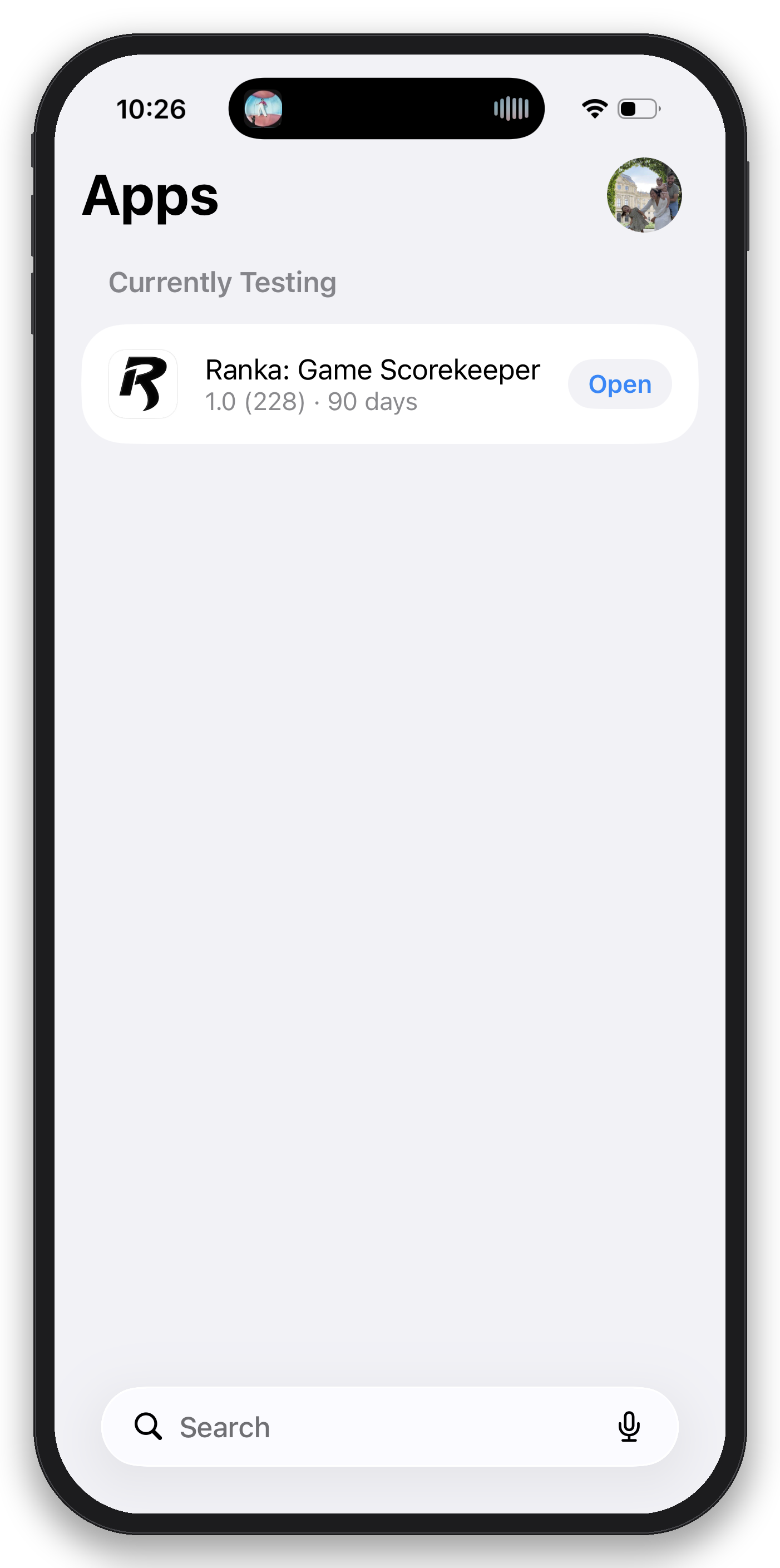
Install Ranka from TestFlight
- Check your email for your Ranka TestFlight invite.
- Open the invite link on your iPhone/iPad and tap “View in TestFlight.”
- Tap Accept, then tap Install.
- Once installed, open Ranka from your home screen like any other app. TestFlight will notify you automatically whenever a new beta build/upgrade is ready. That might happen a lot in these early days.
Didn’t get invited? Got a case of "FOMO"? Email me and I’ll send one to the address you want to use for testing.
Create your account
- Open Ranka and tap Sign In on the welcome screen.
- Select Sign in with Apple or Sign in with Passkey. Now you're in.
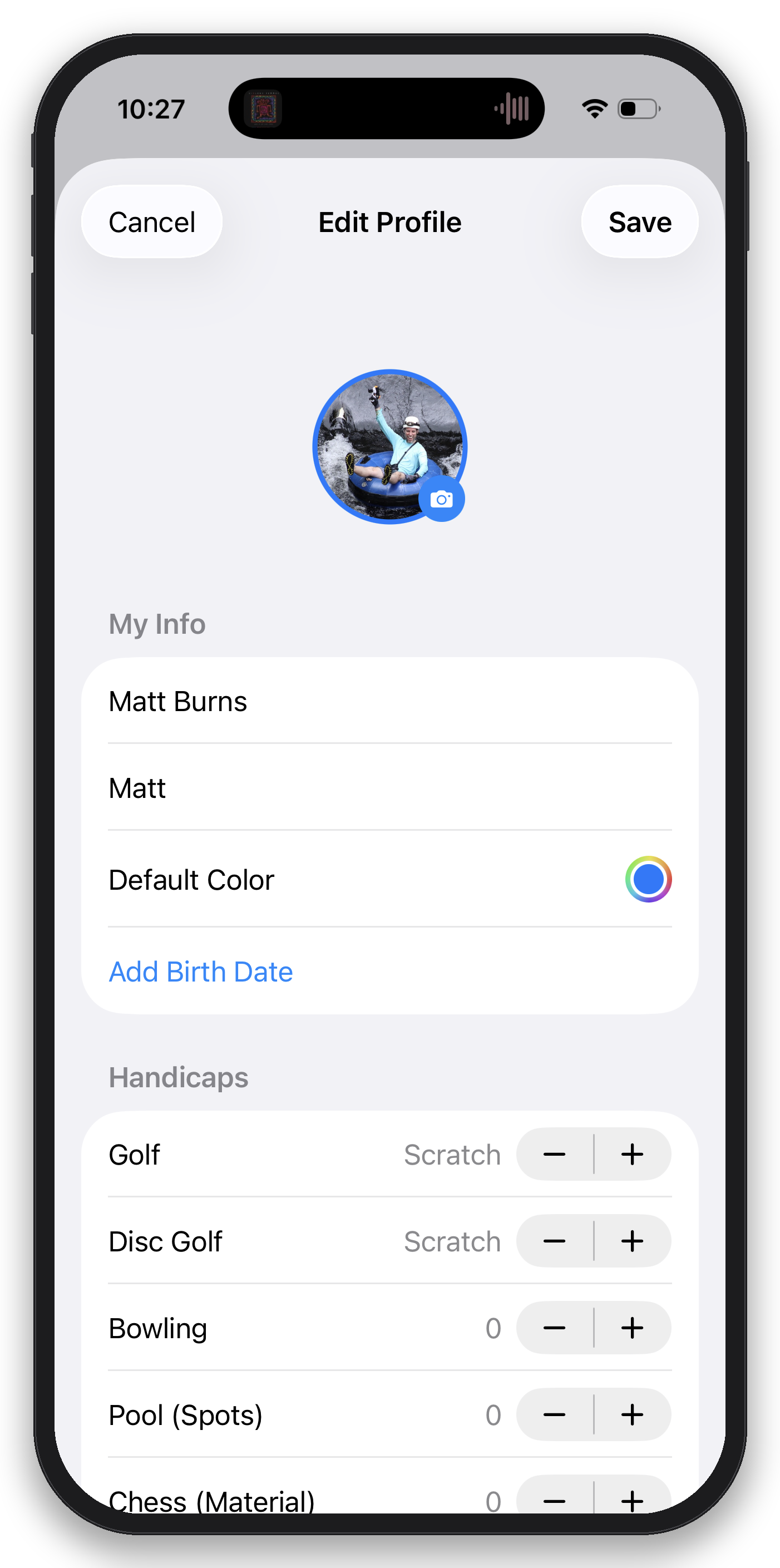
- Click on your name in the top left to enter Account settings. Click on your name card to alter your picture, name, nickname, default color, and more.
- You can also start scoring games without an account — but that's pretty lame. Signing up unlocks CloudKit sync across devices and social features like score verification and sharing with friends.
Add managed players
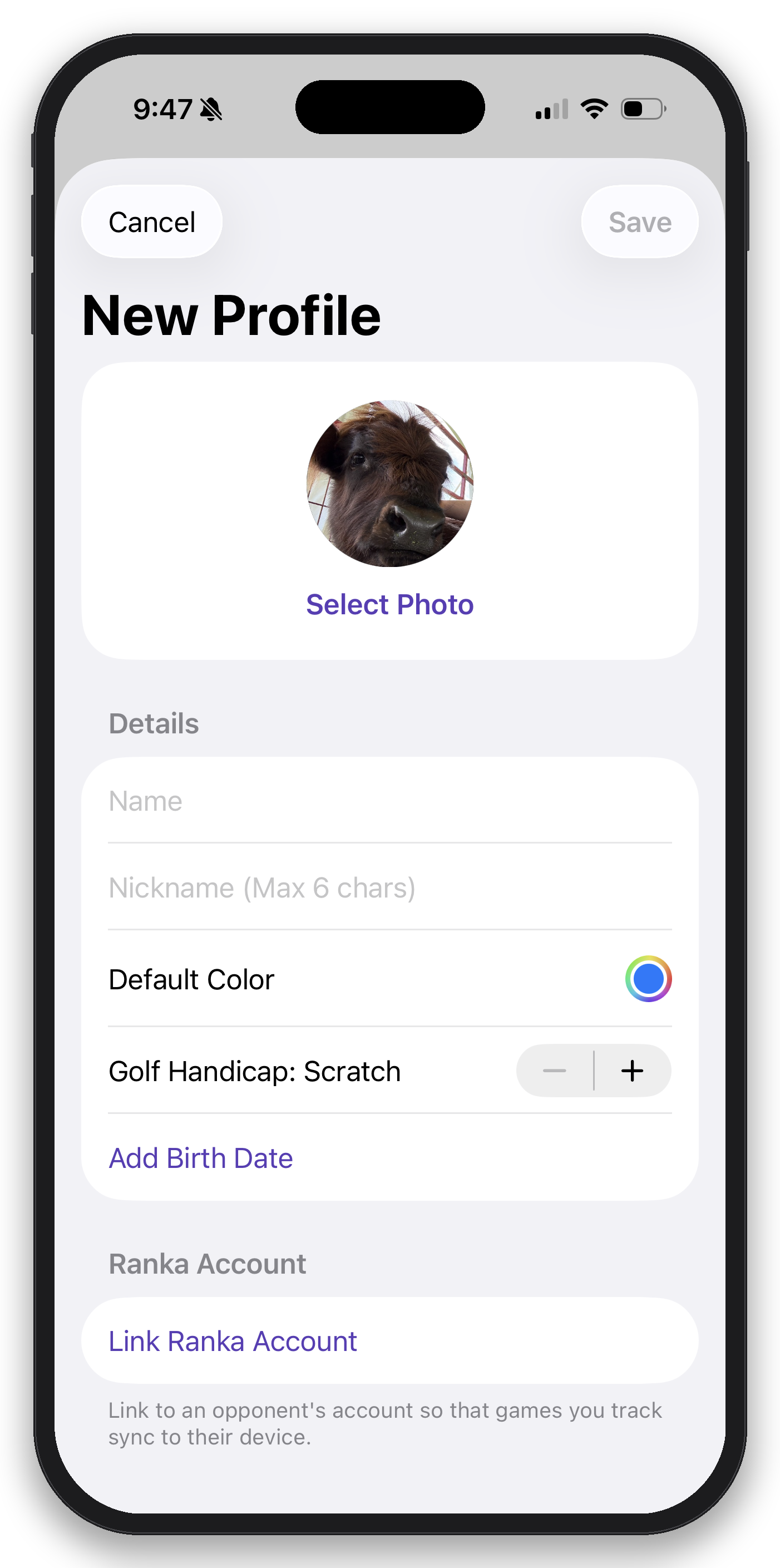
Now I assume you have friend(s), or at least people that are willing to tolerate a single game with you. They can have Ranka too (if they ask nicely) or you can create them as Managed Players. Managed players let you track games and scores for people who don’t have (or don’t need) their own Ranka account — kids, family members, or friends playing on your device.
- Select Players from the bottom navigation bar
- Select Add in the top right corner
- Enter their name, nickname, photo, color, etc.
- Save — they will now appear anytime you add players to a game.
Start a game
Do you really think you're ready to play? Prove it.
- Tap Start a New Game from the main menu.
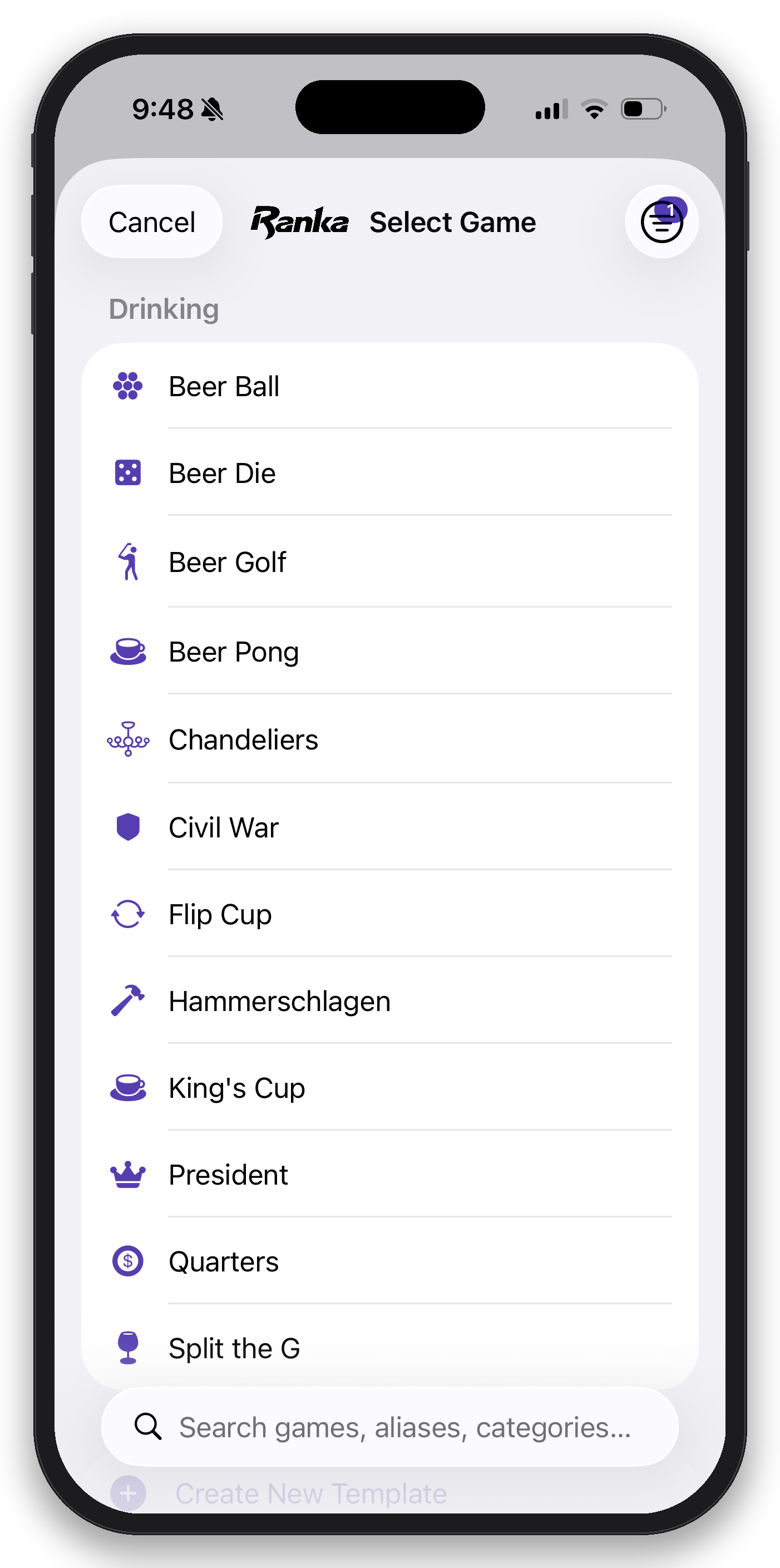
- Pick the game you want to play — Ranka supports 400+ built-in types, or you can create a custom template. If you end up creating a custom template, let me know so I can create this standard for the future.
- Add players: your account, other Ranka users, managed players, or even a team of players.
- Log scores as you play, or enter them all at once at the end.
- End Game and then Confirm & Rank It to save the game and update everyone’s stats and rankings.
- There — you proved you were ready.
View rankings
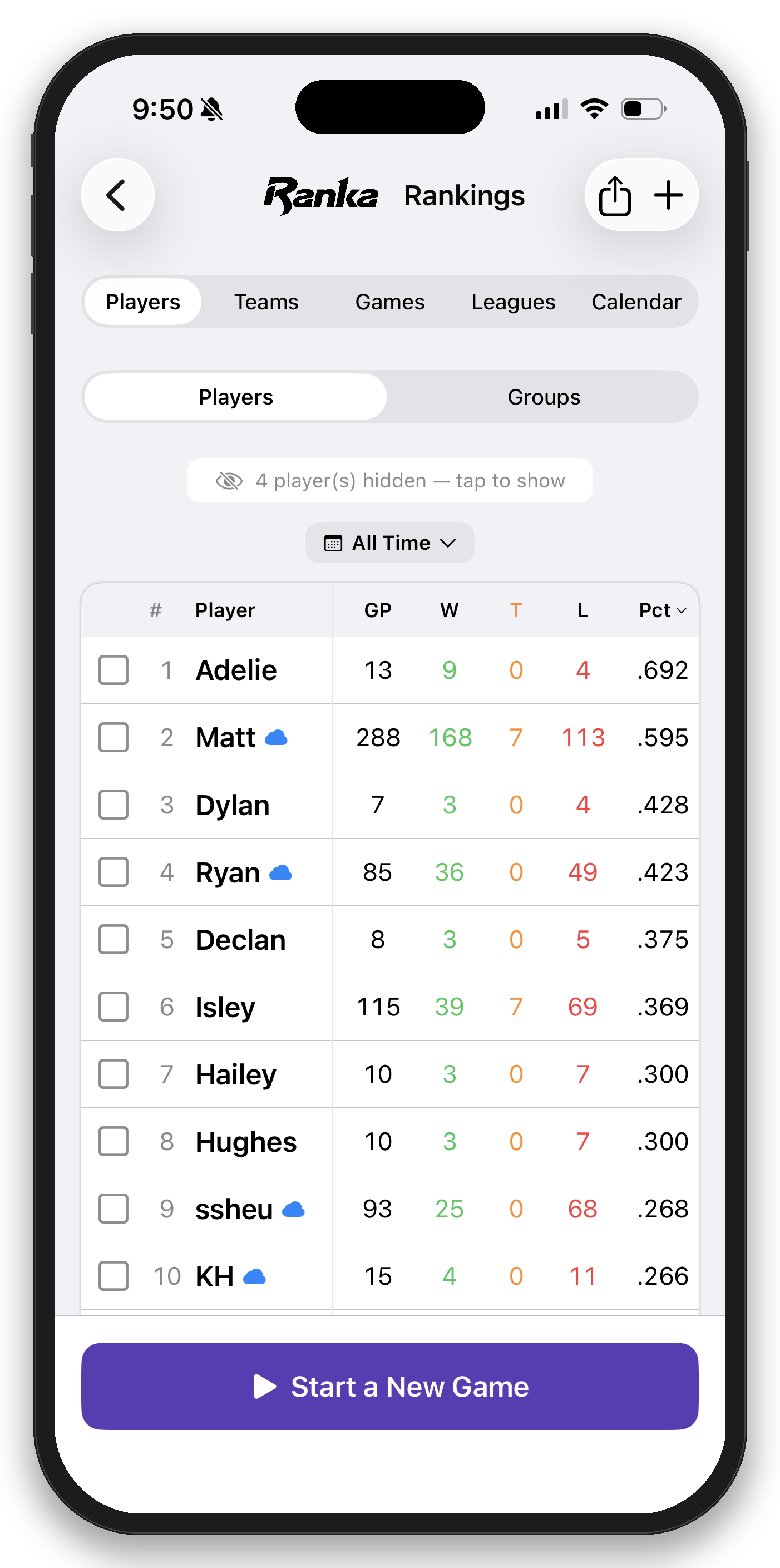
- Open the Rankings menu from the main menu's navigation bar.
- See where every player — account holders and managed players alike — stands overall.
- Filter by game type or time period for more specific leaderboards.
- Tap any player to see their full rankings, match history, win rate, stats and more.
- Select the checkbox to the left of multiple players to view their head-to-head stats.
- Explore other ranking tabs such as Games for specific game and game type rankings
Take beta screenshots & send feedback
Here's where you get to tell me how worthless I am. This is the most valuable part of being a beta tester — please report anything that looks wrong, feels confusing, could use some improvement, or crashes.
Taking a screenshot
- Take a screenshot — you know, like a normal person does on a phone. Press the Side Button + Volume Up at the same time to capture the screen.
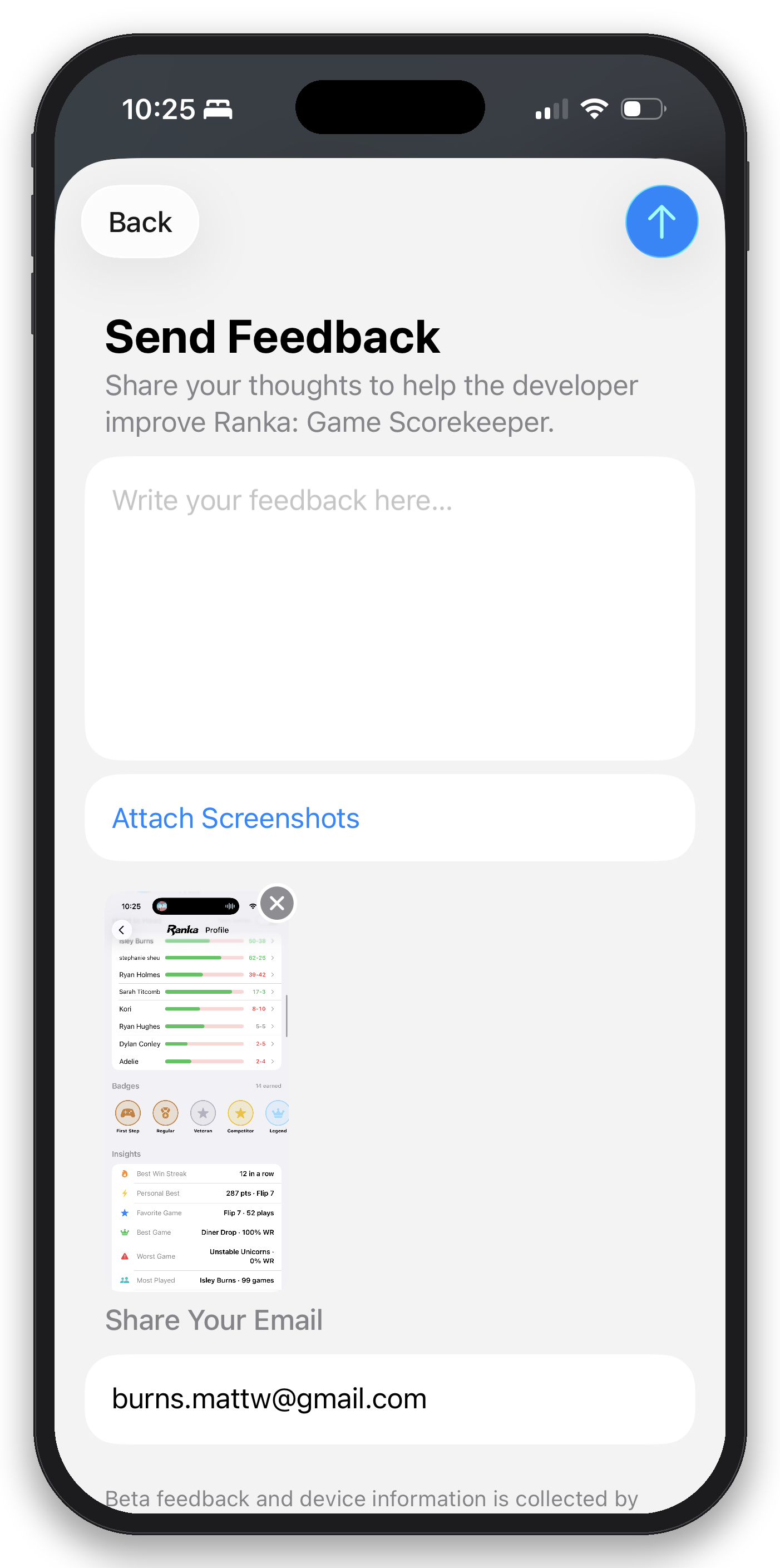
- Tap Share, then choose Share Beta Feedback from the bottom of the share sheet.
- Write your feedback where it says "Write your feedback here..." Do I need to hold your hand through everything?
- Hit send — oh for Pete's sake it's the up arrow button.
Thanks for beta testing Ranka
I'm going to keep the rest pretty vague intentionally. I want you to explore and try things out. Go forth and conquer. Questions, bugs, or ideas? Reach out any time — not just through TestFlight. I love you. I always have.
support@rankaplay.com